From the page to the keys
Snap a photo of sheet music and practice it as falling bars, right on your phone.
Snap a photo of sheet music and practice it as falling bars, right on your phone.
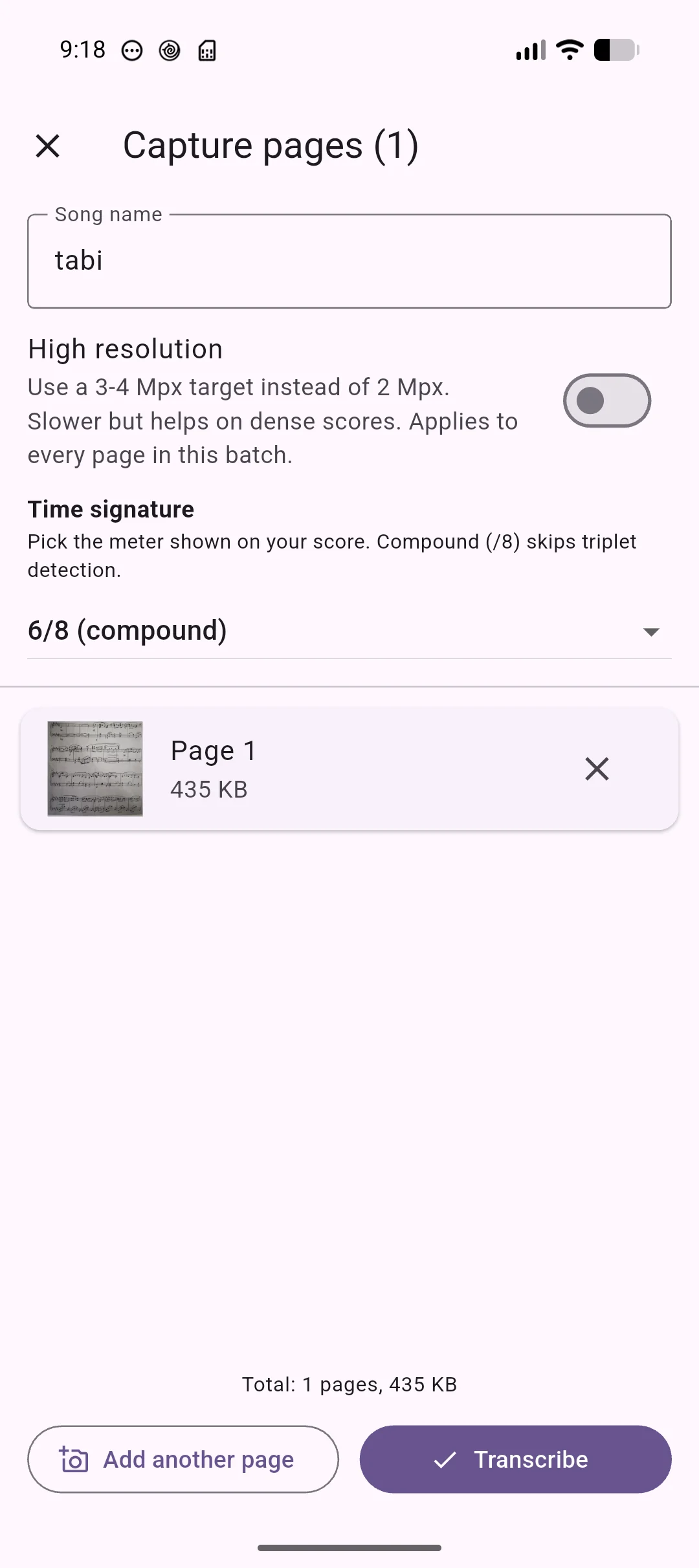
Photograph sheet music, or import a photo or PDF. On-device optical music recognition turns it into playable notation.
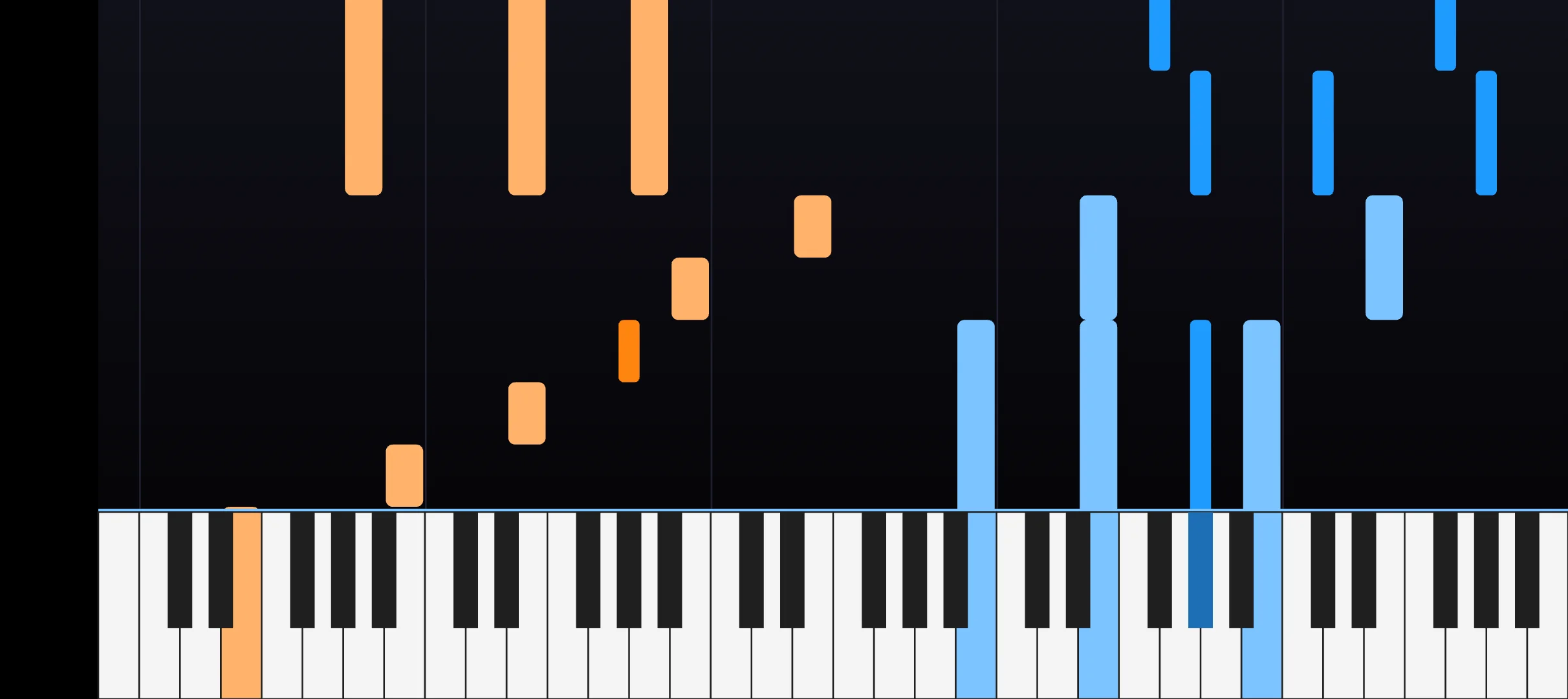
Notes fall toward a piano keyboard so you can see exactly what to play and when, at whatever tempo you choose.
Connect a MIDI keyboard over USB or Bluetooth and the app follows along with real-time feedback as you play.
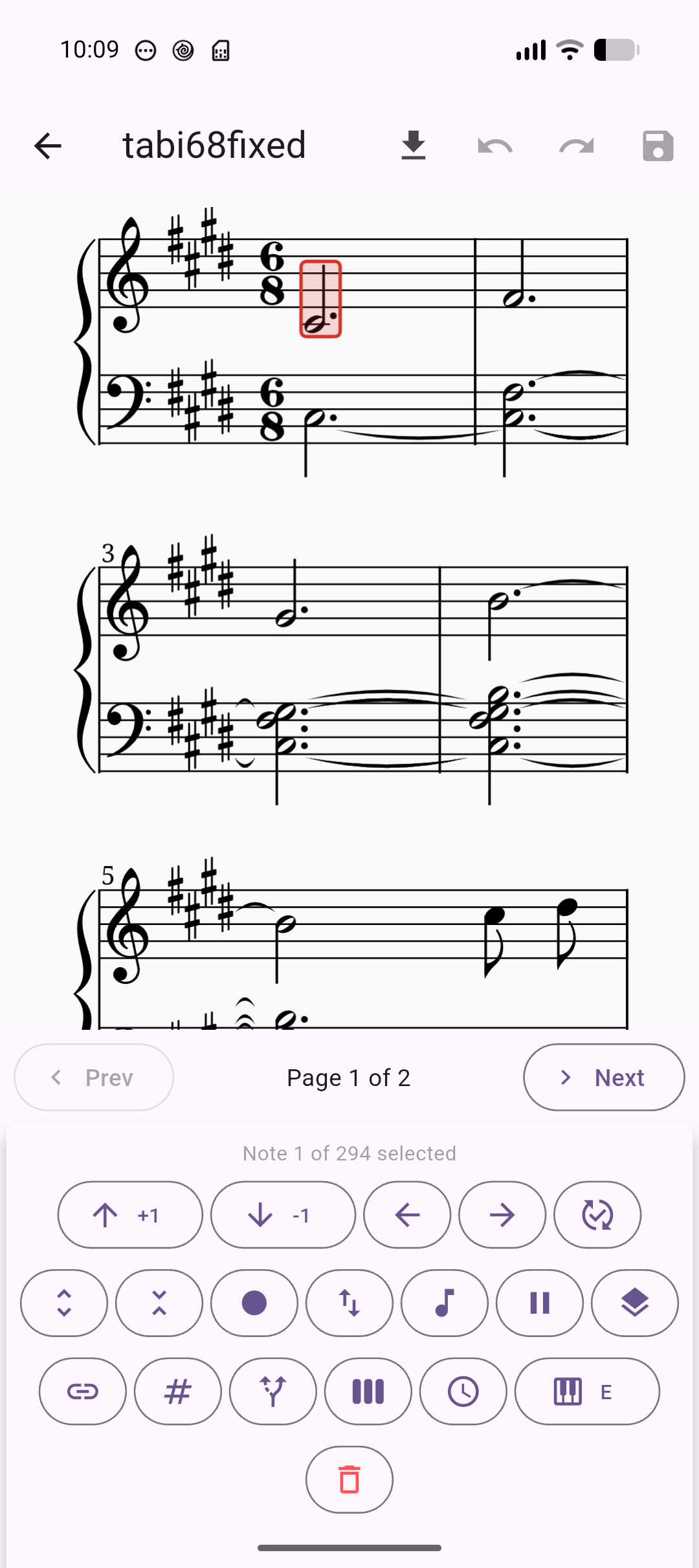
Recognition not perfect? Tidy up the notation in the built-in editor before you practice. No internet needed.
Hear the piece played back through a bundled acoustic piano voice, with a keyboard that lights up in sync.
Saved songs and edits stay in your library on the device, ready whenever you want to pick up practice again.
Your sheet music never leaves your phone. Recognition runs entirely on the device, with no servers storing your scores, photos, or playing.
No accounts, no ads, no trackers. The only data that ever leaves your device is anonymized crash reports, which you can turn off.